



Starters
Your first faceless series. Pick a format, make it yours and watch one idea become episode after episode.
$9USD/month
- 500 credits / month
- 5 GB storage
Pick a format and every run generates a brand-new episode from scratch: script, scenes and voice, with video from leading models.
In your browser or the desktop app. Cancel anytime.
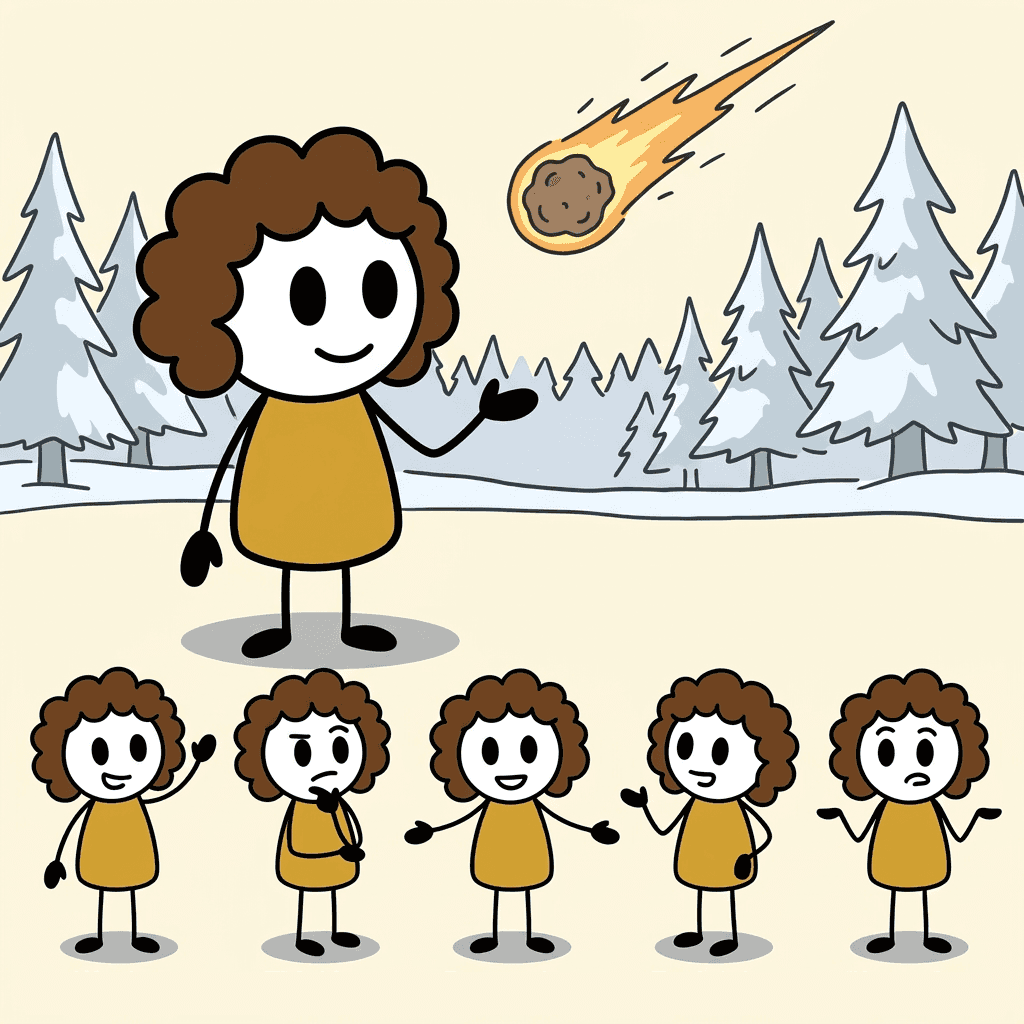
Stickman Explainer
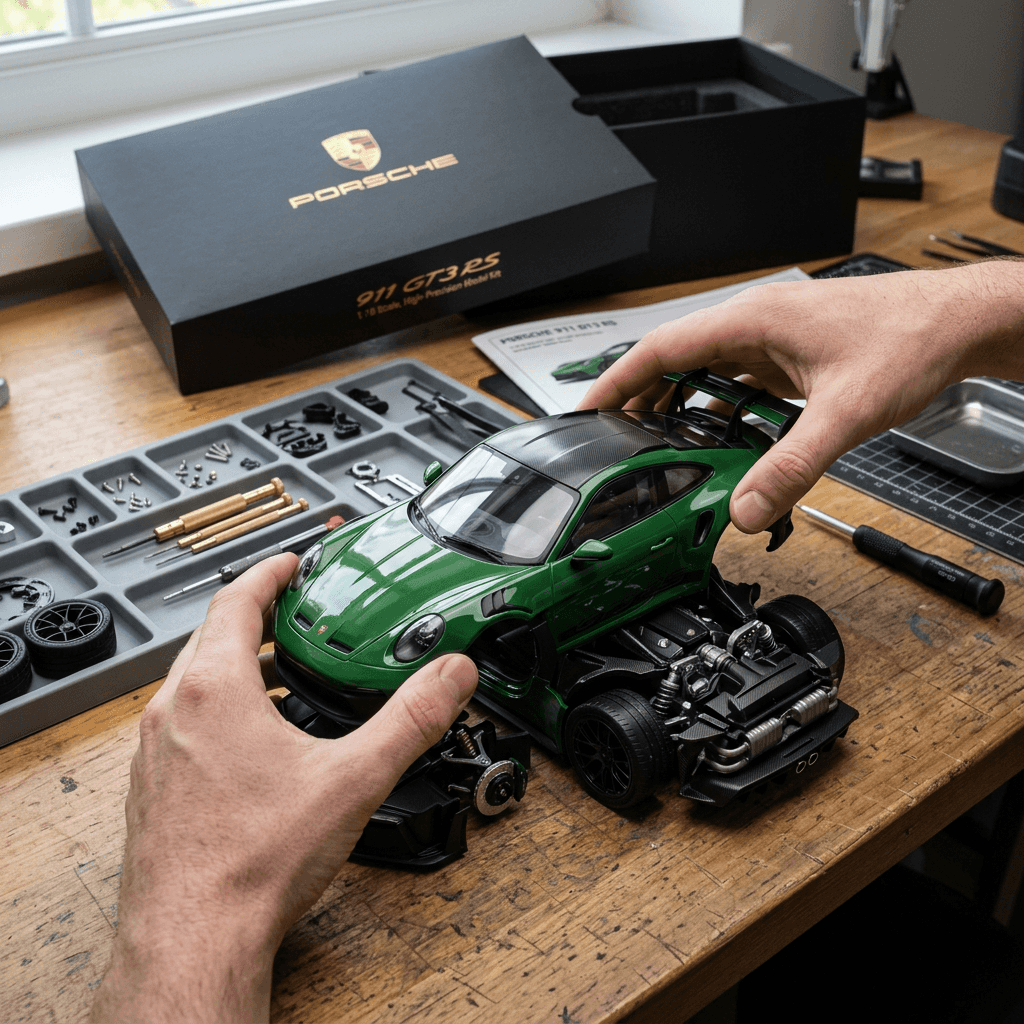
Miniature Assembly
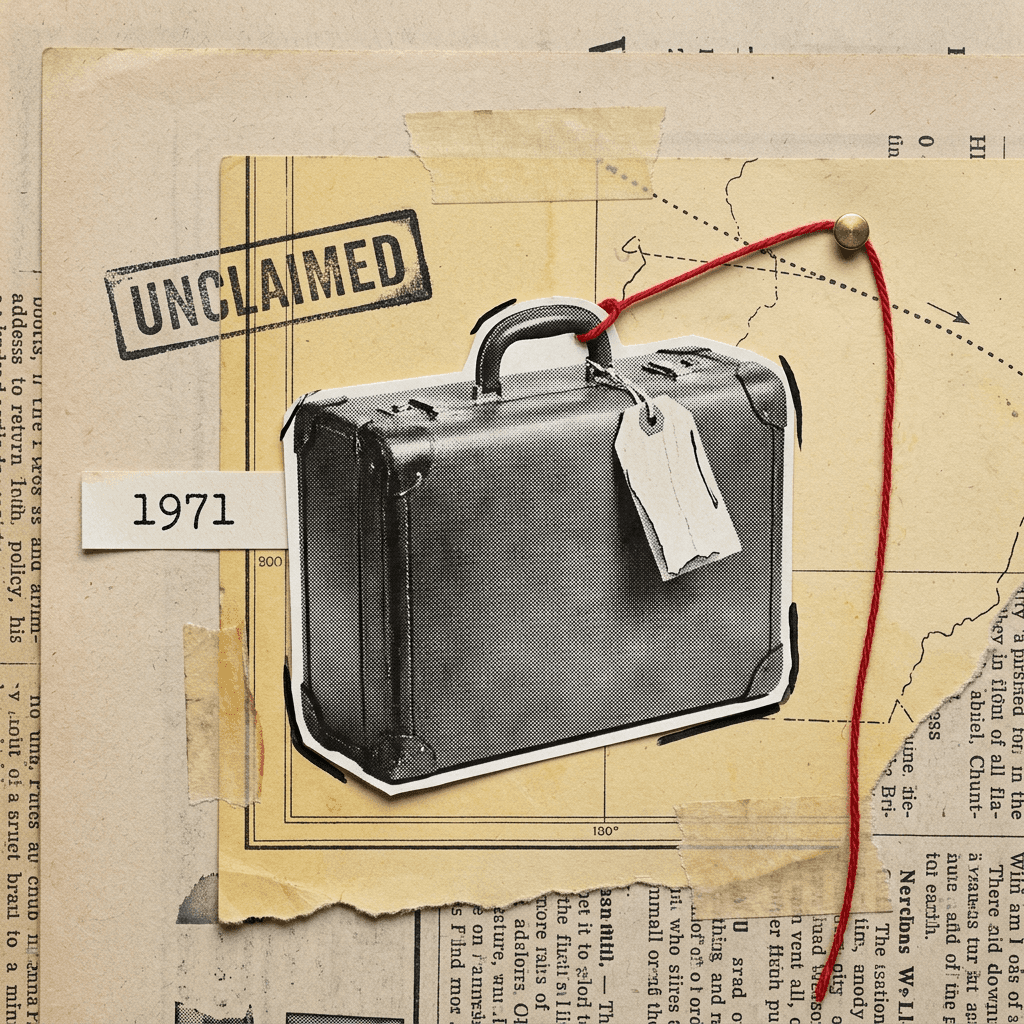
Vox Animation
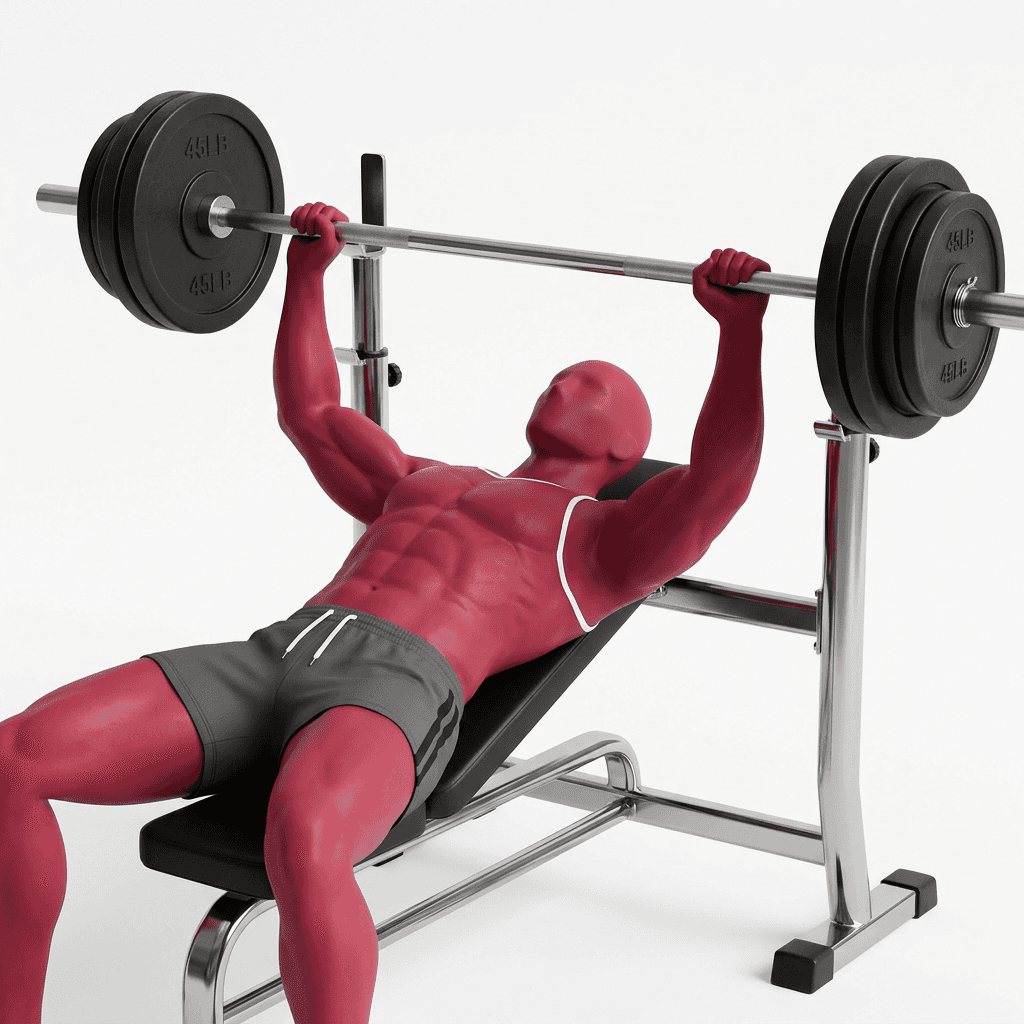
Mannekin Workout
From one idea to a finished episode in three steps.
Start from a template or describe your own.
Browse ready-made series like animated characters, miniature builds or Reddit stories, or tell the AI assistant what you want and it builds the format for you.
AI writes and produces the whole video.
Each run writes the script, generates the scenes and voice, syncs the captions and renders the finished video in the cloud or on your computer.
Every run is a new, original episode.
A new script and new scenes are created every time, so your series stays fresh episode after episode.
Every template is a complete format: script rules, characters, scenes and voice. Choose one, set your watermark and font, and generate your first episode.
Credit figures are estimates. Actual usage depends on what the AI generates and may fall outside the range.
Create your account, pick a template and generate a new video.
Pick a plan, pick your quality. Credits work across every template and model.
Need more credits? Buy credit packs any time from your account, no subscription required.
Starters
Your first faceless series. Pick a format, make it yours and watch one idea become episode after episode.
Creator
Keep a channel fed with fresh episodes. With more credits so you can create more.
Pro
Run more than one niche from a single app. The top video, image and voice models, all in one place.
Studio
For creators running many channels at once. Heavy daily output, with every model one tap away.
Answers to common questions about Recless.
Choose a template, press run and get a new episode every time.